YouTube
YouTube Guide:
YouTube rotates account cookies frequently on open YouTube browser tabs as a security measure.
To export cookies that will remain working with Olived, you will need to export cookies in such a way that they are never rotated.
One way to do this is through a private browsing/incognito window:
- Install Cookie-Editor
- Open chrome://extensions/?id=hlkenndednhfkekhgcdicdfddnkalmdm, enable "Allow in incognito".
- Open an incognito window and log into youtube
- Open https://youtube.com/robots.txt in a new tab and close the youtube tab
- Export cookies as Header String, then close the incognito window (so the cookies will never rotate)
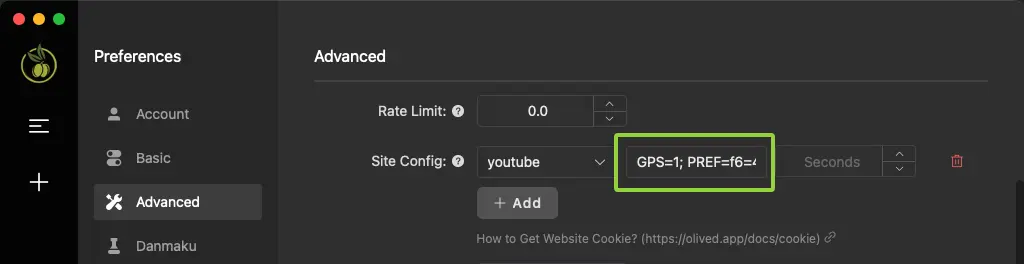
- Paste the cookies into the Olived.